
We’ve launched a new Foundry Help Center experience designed to make support content easier to find, easier to use, and easier to act on.
This update brings a refreshed look, clearer organization, improved navigation, and new ways to get help faster. Whether you’re setting up your foundry, managing fonts, reviewing licensing information, or looking for platform updates, the new Help Center is built to help you get where you need to go with less friction.
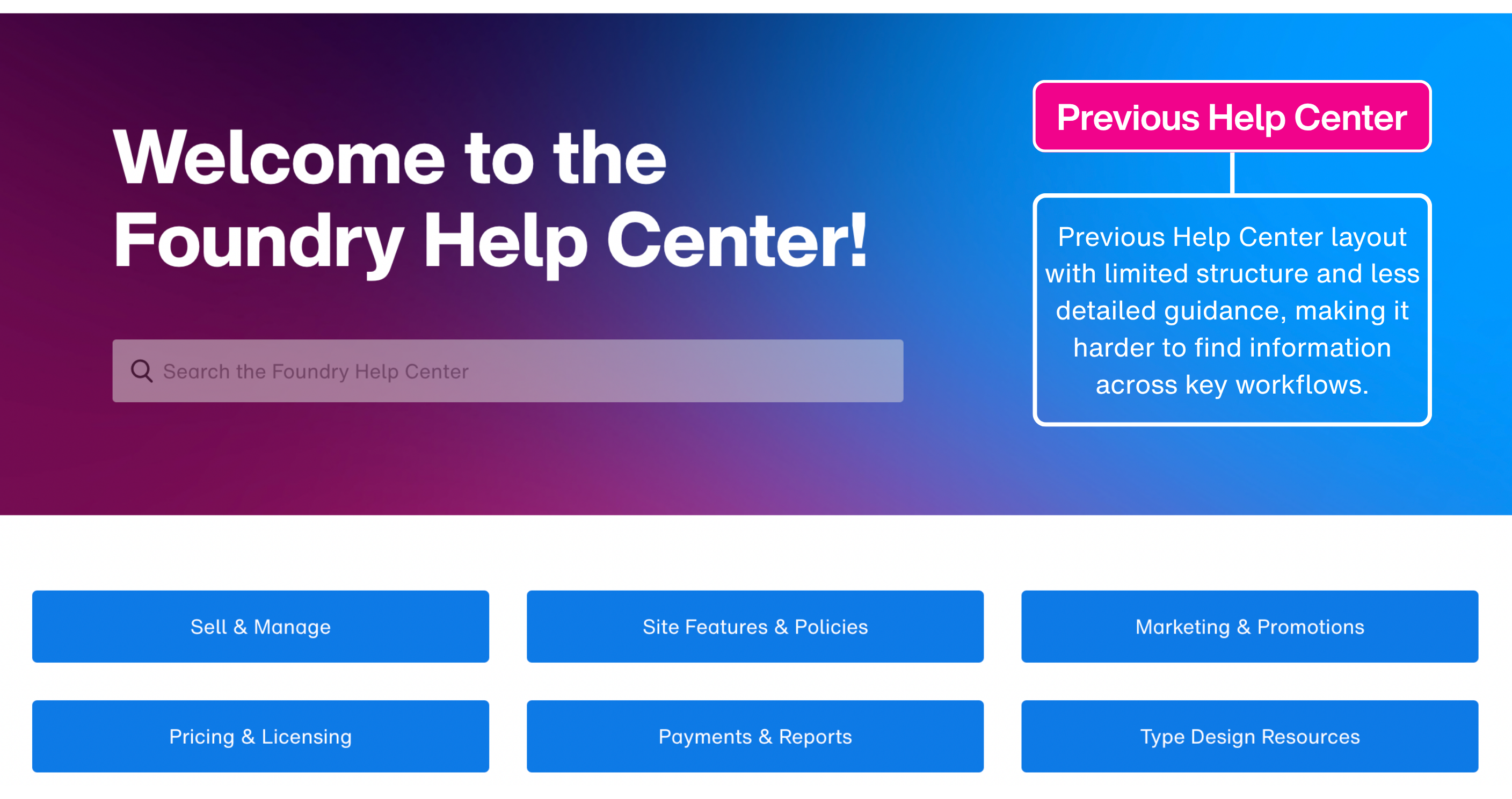
Before
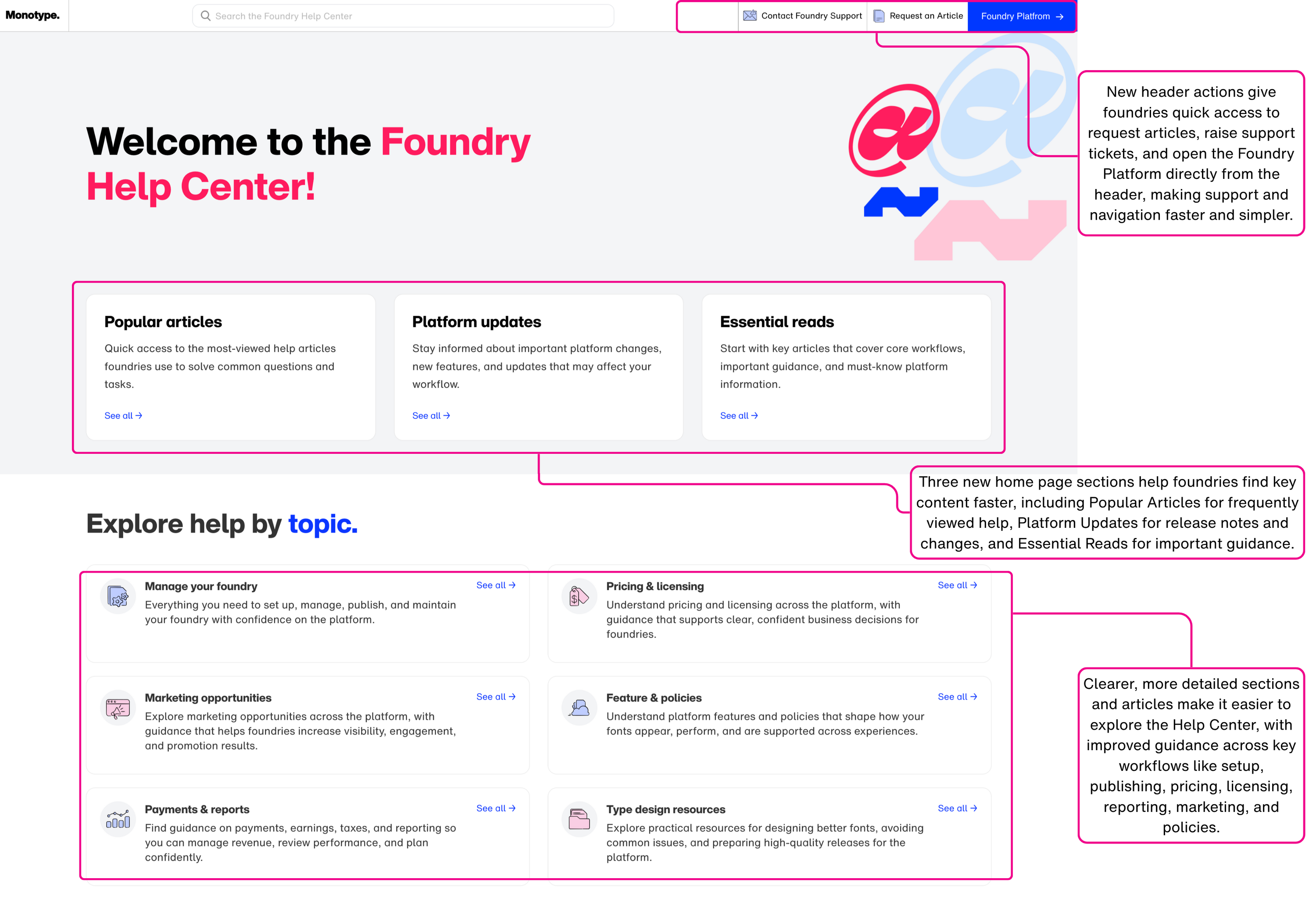
Now
What’s new
A completely new Help Center look
The Help Center now has a refreshed design that feels cleaner, more modern, and easier to browse. The updated layout is built to support faster reading, clearer navigation, and a more consistent experience across pages.
Improved navigation
We’ve made it easier to move through the Help Center and find the information you need. Content is now organized in a clearer way, with more intuitive categories, sections, and article groupings to help you get to the right place faster.
New header actions for faster support
You’ll now see new options in the header that give you direct access to key actions:
- Request an article if there’s a topic you’d like us to cover
- Raise a support ticket when you need help with a specific issue
- Go to the Foundry Platform directly using the blue button in the header
These additions are designed to reduce extra steps and make it easier to move between help content, support, and the platform itself.
Three new home page sections
We’ve added new sections to the home page to help surface the most useful content more quickly:
- Popular Articles for frequently visited help content
- Platform Updates for release notes and important product changes
- Essential Reads for key guidance and must-know information
These sections are meant to help both new and experienced foundries discover the most relevant content faster.
Clearer, more detailed sections and articles
We’ve expanded and improved the Help Center structure to make content easier to understand and easier to explore. Sections and articles now provide more clarity, more detail, and better guidance across key foundry workflows.
This makes it simpler to find answers whether you’re working through setup, publishing, pricing, licensing, reporting, marketing opportunities, or platform policies.
Improvements on article pages
“On this page” navigation
Many articles now include an On this page section that links directly to key parts of the article. This helps you jump to the information you need without having to scroll through the full page.
Related tags
Articles now also include Tags that connect you to related content covering similar topics. Selecting a tag will take you to other articles with shared subject matter, making it easier to continue exploring and find supporting information.
Why we made these changes
The new Foundry Help Center is part of our effort to create a more useful, more accessible support experience for foundries. We know your work spans both creative and operational tasks, and support content should help you move through both with confidence.
This update is intended to make guidance easier to discover, easier to understand, and more connected across the platform.
We’re continuing to improve
This is the start of a better Help Center experience, and we’ll continue updating content, expanding coverage, and improving how information is organized over time.
If there’s something you’d like to see added, you can use the Request an article option in the Help Center header.
If you have any questions or need additional support, please contact us at foundrysupport@monotype.com.